LACKSAN > HP Z LOCAL VIDEO GUIDE
LOCAL AI VIDEO SYSTEM GUIDE
Which HP Z fits your video work?
See the price, memory, and number of video jobs each computer can handle.
PRICES MAY CHANGE WITH THE PARTS YOU PICK
COMPARE PRICE, MEMORY, AND VIDEO WORK
PICK A COMPUTER ■
TEST NUMBERS ■
LAB ■
CUDA ■
AMD MEMORY ■
SINGLE GPU ■
MULTI-JOB ■
STATUS
PICK THE RIGHT HP Z
Start with the video model you want to run. More GPU memory lets you use a bigger model. More GPUs let you make more videos at the same time.
Prices include the computer and Lacksan setup. Shipping and tax are calculated at checkout. A quote is needed when you add more GPUs or other parts.
Best for HP system Price What it gives you Good choice when
Small NVIDIA computer Z2 Mini G1i $3,269–$4,399 8–20 GB of NVIDIA GPU memory. You want a small computer for learning and short test videos. Small computer with more memory Z2 Mini G1a Ask for a quote Up to 96 GB for Radeon graphics from one 128 GB memory pool. You need more memory in a small box and can use AMD tools. One main video job Z2 Tower G1i From $5,699 24 GB in the listed build. A 96 GB build needs a quote. One person makes one video at a time. Two video jobs Z4 G6i From $21,648 32 GB in the listed build. It can hold two GPUs. Two people or two video jobs need to run at once. Three video jobs Z6 G5 From $39,631 One 96 GB GPU in the listed build. It can hold three GPUs. You need room to add more video jobs. Four video jobs Z8 Fury G6i $91,061 Four 96 GB GPUs in the listed build. Four big video jobs need to run at once. Very large AI work ZGX Fury Call for price 252 GB of fast GPU memory and up to 496 GB of CPU memory. A model is too large for a normal Windows computer.
Simple answer: start with 24 GB for local video with people. Pick 32 GB for more room. Pick 96 GB for much bigger models. Add more GPUs when you need to make more videos at the same time.
VIDEO TEST RESULTS
These numbers come from the video tests linked below.
Test RTX 5090 Lightning Z RTX 5090 RTX PRO 6000 Wan 2.2 5B in ComfyUI 109 sec 113 sec 120 sec
The 5090 won this small test. The RTX PRO 6000 has 96 GB of memory, so it can run bigger models. It will not win every speed test.
WATCH “THE MOST INSANE RTX 5090... VS RTX PRO 6000” AT THE WAN TEST
Version Wan model file LTX model file Human-video result
Full / BF16 27 GB 46 GB The full model used for the test. Q8 About 14 GB 23 GB Best small file in the test. Q8 stayed closer to the full model than FP8. Q4 9 GB 14 GB Budget choice. The person scene showed softer faces and identity drift; Wan LPIPS 0.34. Q2 5 GB 8.3 GB Avoid for ads with people; Wan person-scene LPIPS rose to 0.54.
What LPIPS means: a lower number is closer to the full model. In the glass test, Q8 got 0.07 and FP8 got 0.19. In the LTX sound test, Q4 had 46.9 error and Q5 had 9.9 error.
WATCH “THIS IS WHAT HAPPENS WHEN YOU CRUSH AN AI VIDEO MODEL” AT THE Q8 TEST · FINAL RECOMMENDATION
01 HP Z2 TOWER G9 · LAB BASELINE
LACKSAN LAB COMPUTER
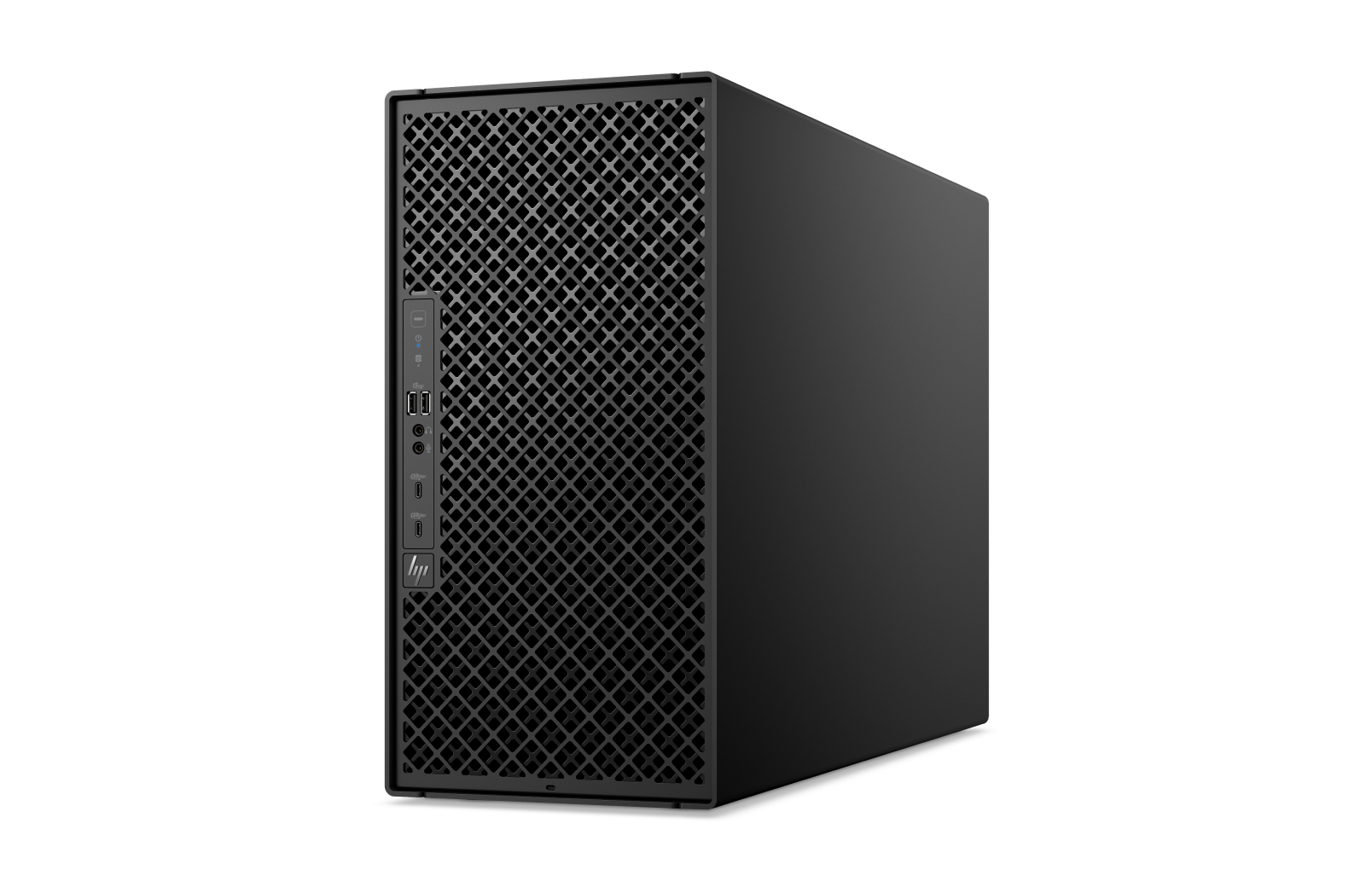
Lacksan uses this computer to test local AI video. It is not for sale on this page.
Machine HP Z2 Tower G9 Graphics NVIDIA RTX 2000 Ada Generation · 16 GB Use Test which models fit and how the video tools run Sale status Not listed as sale inventory Price Not applicable
NEXT: COMPACT SYSTEM · READ CATALOG STATUS
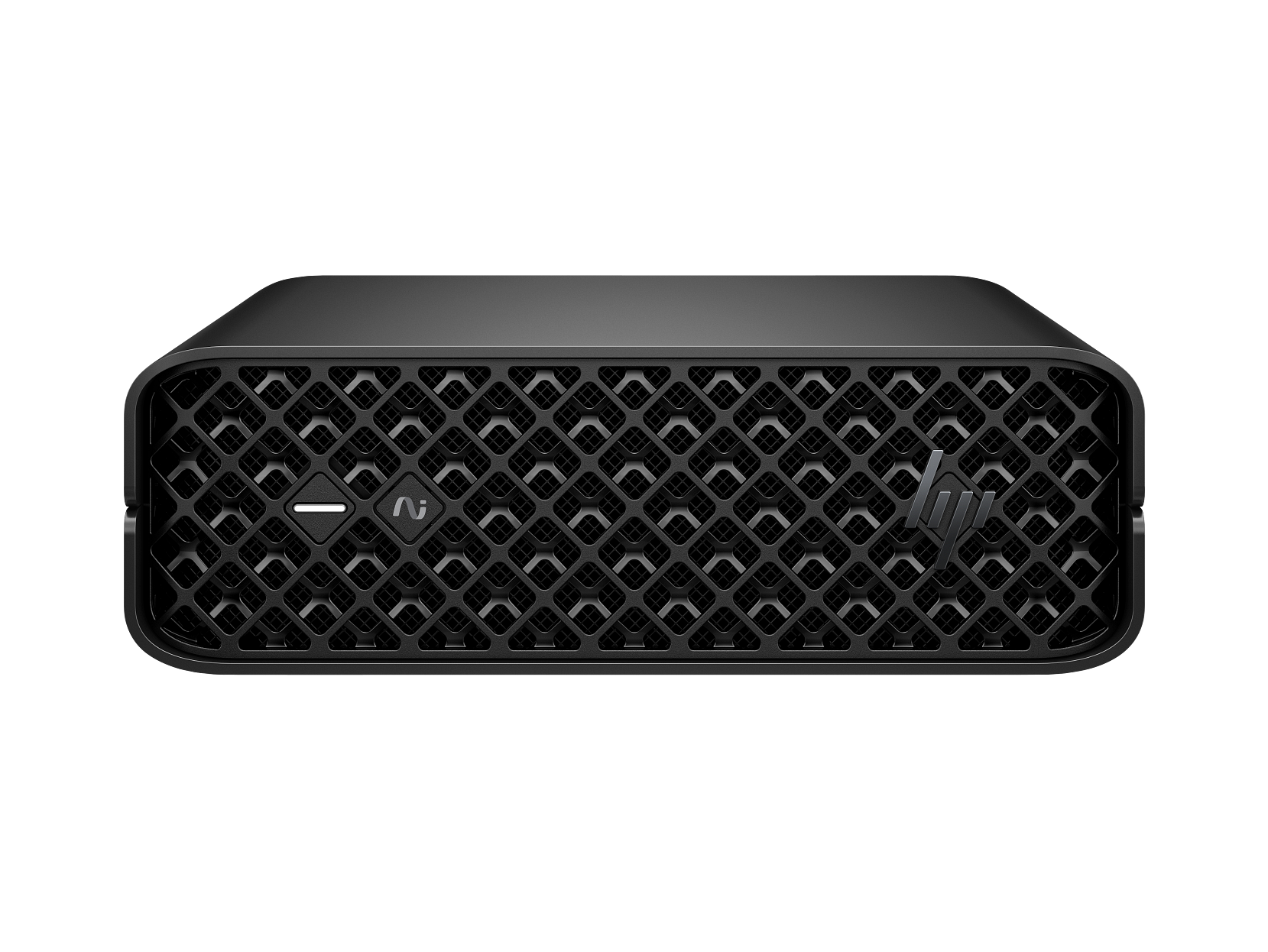
02 HP Z2 MINI G1i · SMALL NVIDIA COMPUTER
BEST FOR: A SMALL NVIDIA COMPUTER
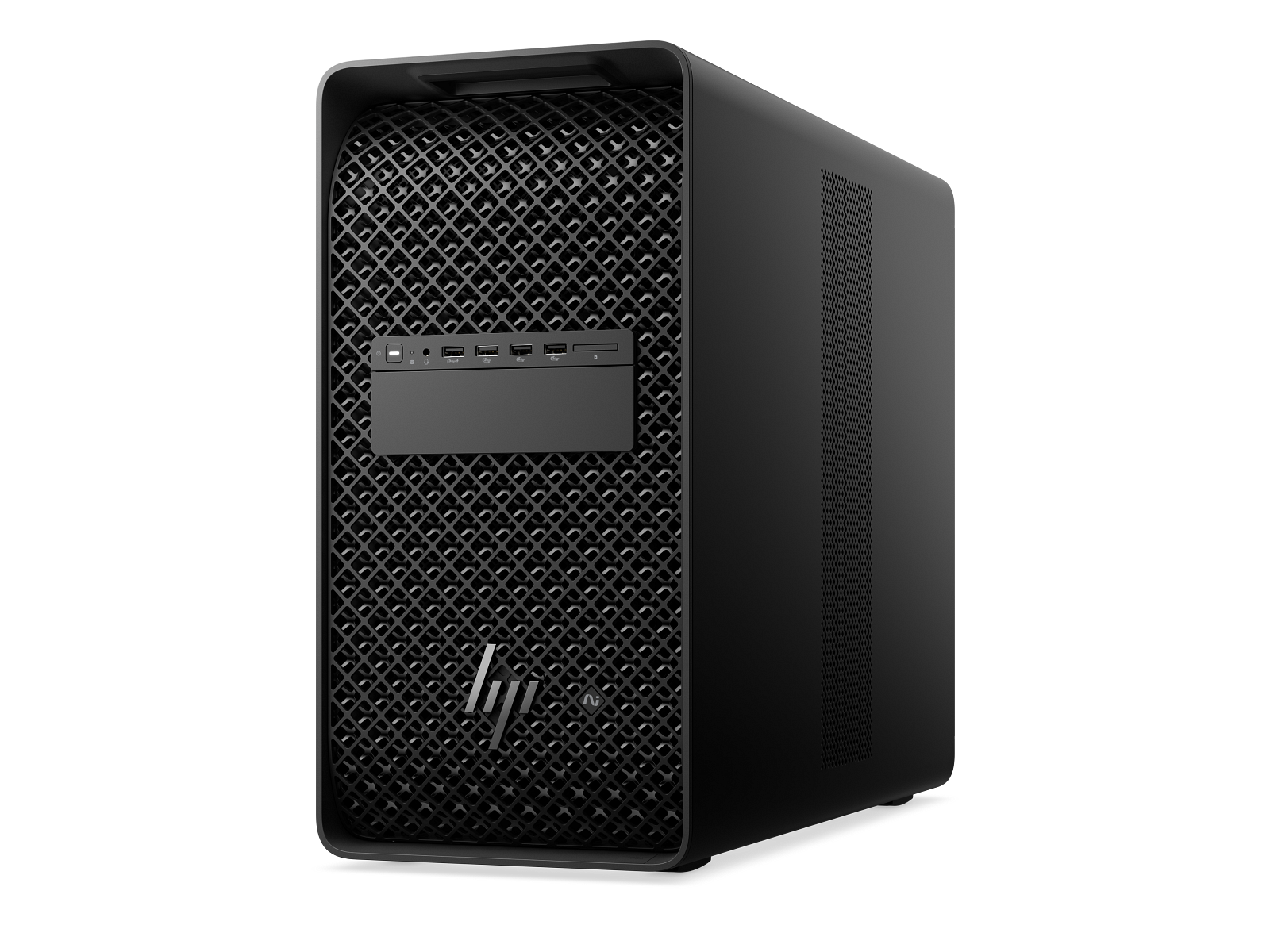
This is the small NVIDIA choice. It works well with ComfyUI. The GPU matters: some builds have 8 GB and some have up to 20 GB.
Pictured machine HP Z2 Mini G1i Workstation Desktop PC Lacksan price $3,269–$4,399 Video use Small NVIDIA computer for local video Most it can hold Up to RTX 4000 SFF Ada · 20 GB of GPU memory What to pick Choose 16–20 GB for Q4 test videos. Pick a tower with 24 GB or more for better videos of people. YouTube lesson Q4 shrinks Wan to 9 GB, but the person test showed softer faces and identity drift.
LAB BASELINE · NEXT: UNIFIED MEMORY
03 HP Z2 MINI G1a · MORE MEMORY IN A SMALL BOX
BEST FOR: MORE MEMORY IN A SMALL BOX
This AMD computer can hold a large model in a small box. Its shared memory is not the same as NVIDIA GPU memory. A model may fit, but it may not run fast.
Machine HP Z2 Mini G1a Workstation Desktop PC Price Ask for a quote Graphics Radeon 8060S · shared memory Memory Up to 128 GB shared · up to 96 GB can be used for graphics Best for Big models, small size, and tests that use less power Video limit It has more memory, but fewer ComfyUI video tools work with AMD than NVIDIA
COMPACT CUDA · NEXT: SINGLE-GPU CUDA
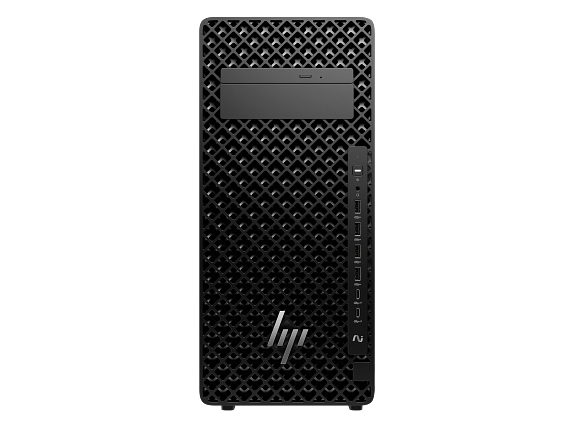
04 HP Z2 TOWER G1i · ONE MAIN VIDEO JOB
BEST FOR: ONE BIG VIDEO JOB
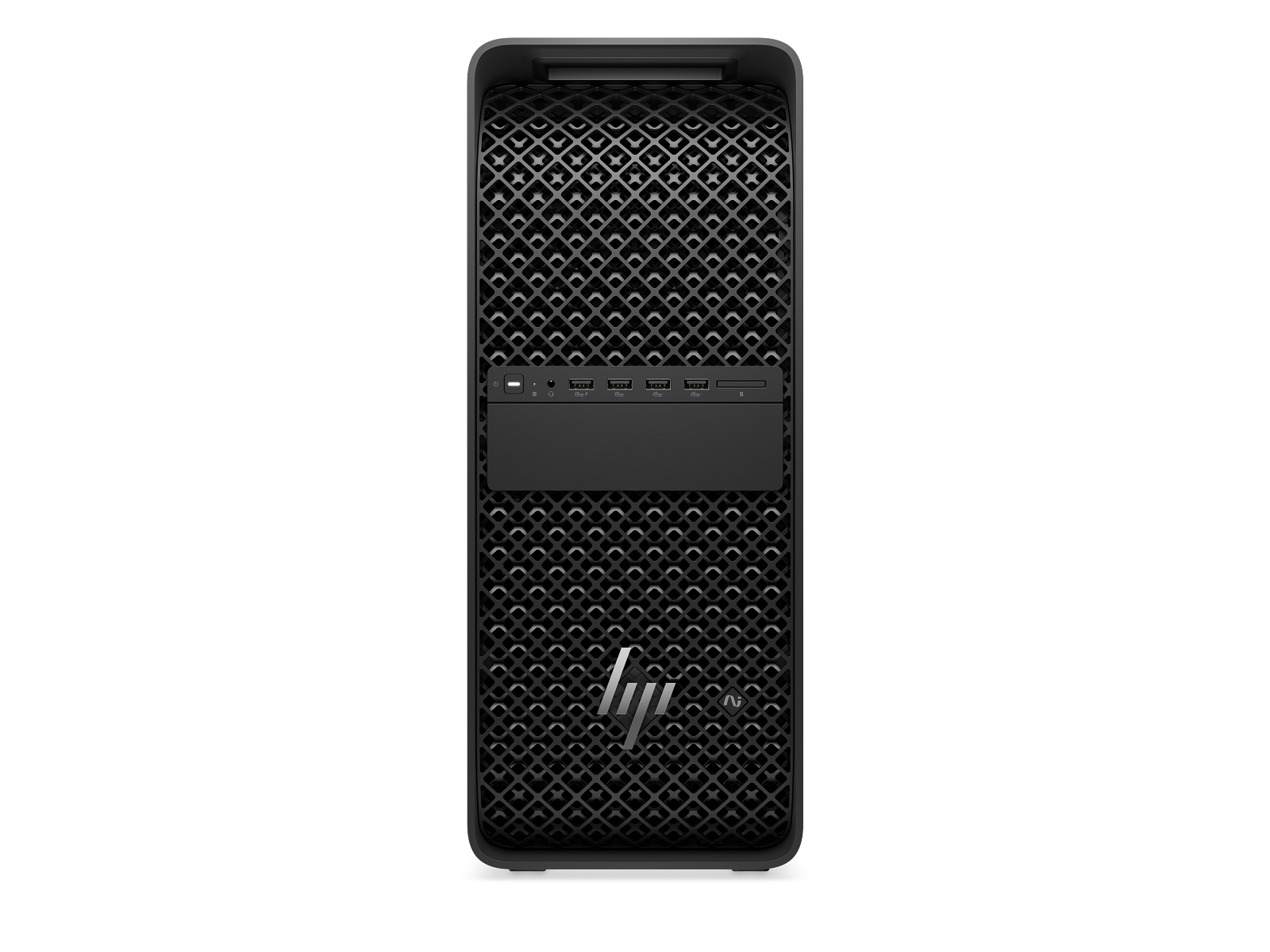
This tower uses one GPU. The listed 24 GB build can run Wan 2.2 5B. A 96 GB build can run much bigger models.
Machine HP Z2 Tower G1i Workstation Desktop PC Lacksan price From $5,699 for the 24 GB build · 96 GB build needs a quoteVideo use One main local video job Memory choices 24 GB for Wan 5B; up to 96 GB for larger models Best for One large job without a hard setup Model size 24–32 GB for Q4 or Q8 models; 96 GB for full and much larger models
UNIFIED MEMORY · NEXT: TWO-GPU TOWER
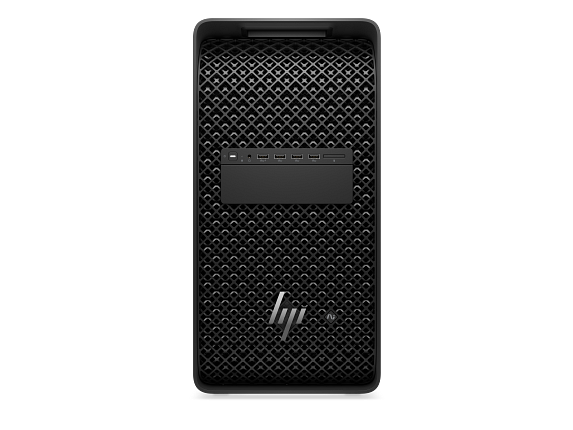
05 HP Z4 G6i · TWO VIDEO JOBS
BEST FOR: TWO VIDEO JOBS AT ONCE
The Z4 can hold two GPUs. Each GPU can work on its own video. The two GPUs do not turn into one big memory pool.
Pictured machine HP Z4 G6i Workstation Desktop PC Lacksan price From $21,648 for the listed 32 GB build · two-GPU build needs a quoteVideo use Two video jobs at the same time Most it can hold Up to 2 × RTX PRO 6000 Blackwell Max-Q · 96 GB each Memory for one job Up to 96 GB on one GPU What two GPUs do Run two big video jobs at the same time
SINGLE GPU · NEXT: THREE-GPU TOWER
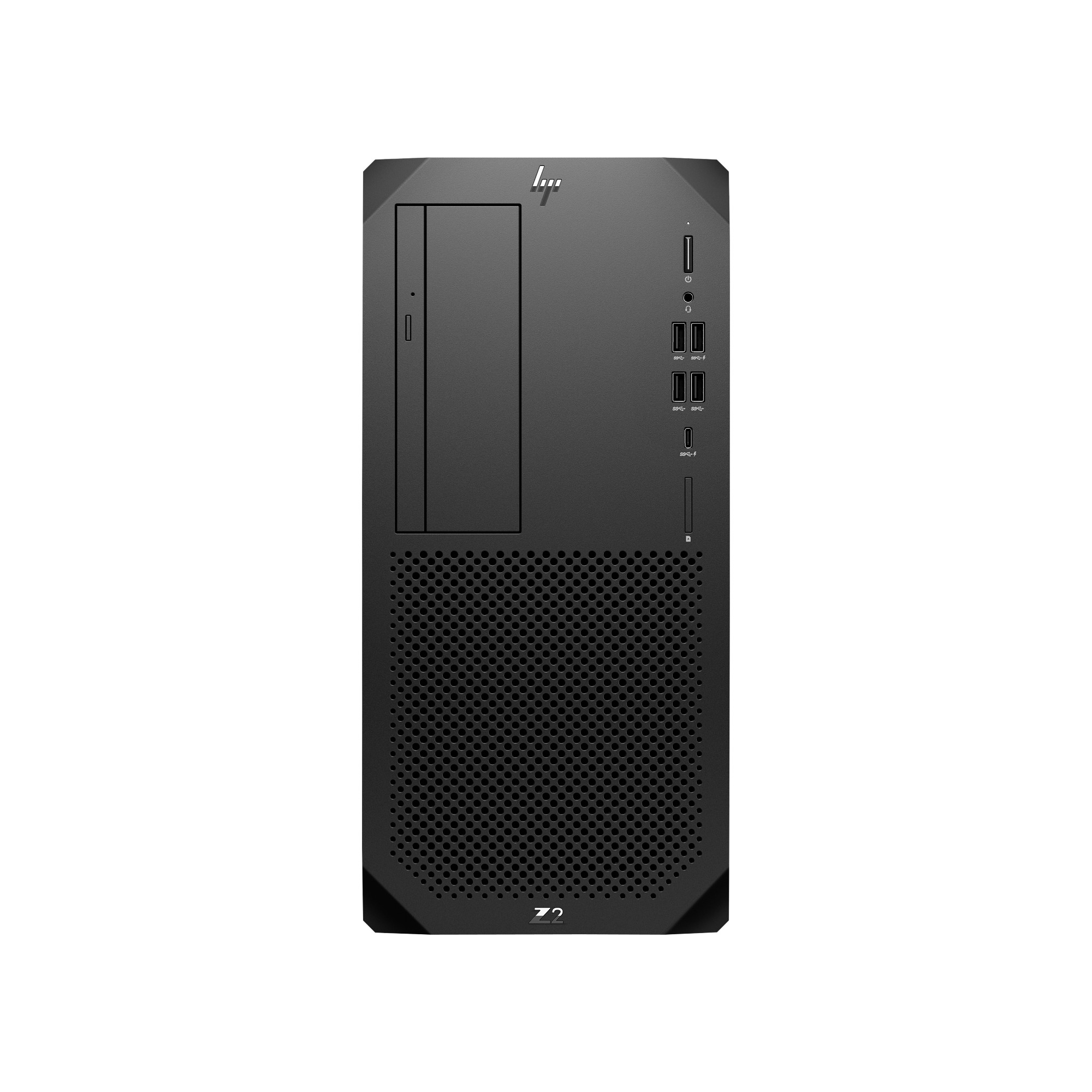
06 HP Z6 G5 · THREE VIDEO JOBS
BEST FOR: THREE VIDEO JOBS AT ONCE
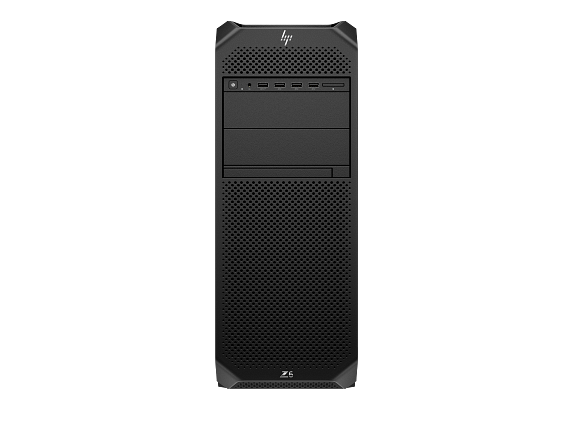
The Z6 can hold three GPUs. Each GPU can work on its own video.
Pictured machine HP Z6 G5 Workstation Desktop PC Lacksan price From $39,631 for the listed 96 GB build · more GPUs need a quoteVideo use Up to three video jobs at the same time Most it can hold Up to 3 × RTX PRO 6000 Blackwell Max-Q · 96 GB each Memory for one job Up to 96 GB on one GPU What three GPUs do Run three big video jobs at the same time
TWO GPUs · NEXT: FOUR-GPU TOWER
07 HP Z8 FURY G6i · FOUR VIDEO JOBS
BEST FOR: FOUR VIDEO JOBS AT ONCE
The Z8 Fury can hold four GPUs. Each GPU can work on its own video. One video will not use all four GPUs unless its software is made to do that.
Pictured machine HP Z8 Fury G6i Workstation Desktop PC Lacksan price $91,061 for the listed four-GPU buildVideo use Four video jobs at the same time on Windows Most it can hold Up to 4 × RTX PRO 6000 Blackwell Max-Q · 96 GB each Best use Several shots, users, or queues at the same time What four GPUs do Run four big video jobs at the same time
THREE GPUs · NEXT: VERY LARGE AI
08 HP ZGX FURY · VERY LARGE AI MODELS
BEST FOR: VERY LARGE AI MODELS
ZGX Fury has much more memory than the Z8 Fury. It runs Ubuntu, not Windows. Pick it for AI work that is too large for a normal computer.
Machine HP ZGX Fury AI Station Price Call for price GPU memory 252 GB HBM3e · 7.1 TB/s CPU memory Up to 496 GB System Ubuntu with NVIDIA AI tools Best use Models that are too large for a normal Windows computer
FOUR VIDEO JOBS · PRICE AND STOCK
NEXT
PAGE 1 / WORKSTATIONS
PAGE 2 / STATUS
CLOSE ×